How to Make Karaoke Tracks From Your Favourite Songs
Turn any song into a karaoke backing track: remove the lead vocal, move the key to suit your voice, adjust the tempo and keep the result sounding natural.

A good karaoke track is more than a song with the vocal gone. It needs to be in a key you can actually sing, at a tempo you are comfortable with, and clean enough that you do not hear the original singer behind you. Here is how to make one.
Step 1: remove the lead vocal
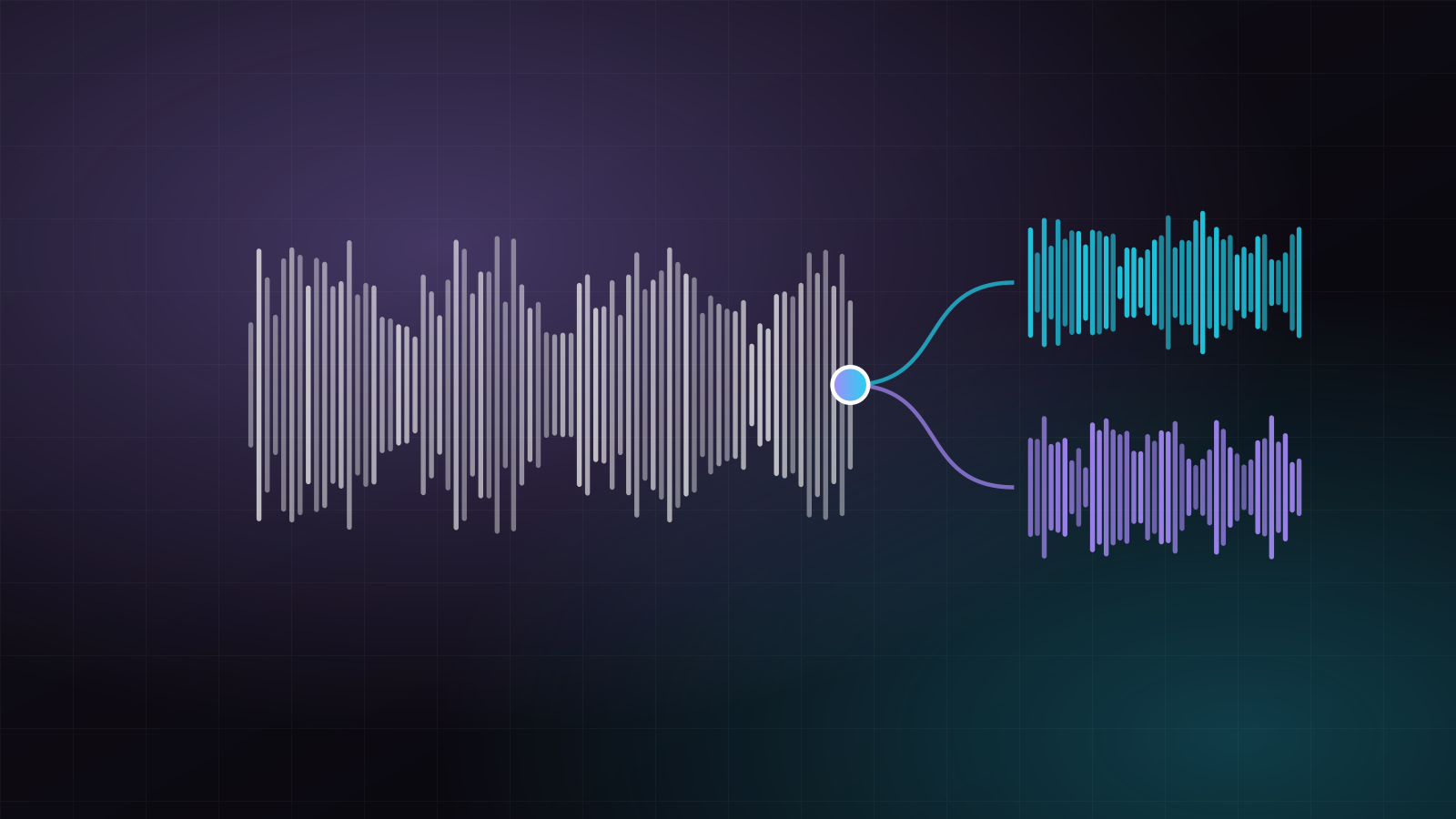
Use the karaoke maker or the vocal remover to take the voice out. Both use AI to separate the singer from the music, so the drums and bass stay intact — unlike old phase-cancellation tricks that hollowed out the whole track.
Some backing vocals may be removed along with the lead, because they are voices too. If a chorus feels empty, that is usually why. Singing the harmony yourself, or with a friend, fills it right back up.
Step 2: find the right key for your voice
Most people struggle with karaoke because the original key sits too high or too low, not because they cannot sing. Try this:
- Sing the highest note of the chorus along with the original.
- If you strain, move the key down one or two semitones. If it feels low and mumbly, move it up.
- Test the verse too — the lowest note has to be comfortable as well.
A key and tempo shifter changes the pitch without changing the speed. Small moves of one to three semitones sound natural; bigger jumps can start to sound processed.
Step 3: adjust the tempo if you need to
Fast verses full of lyrics are easier at 95% speed while you learn them. Slow the tempo slightly without touching the pitch, then bring it back up as you get comfortable. Keep changes modest — beyond about 10% the drums start to smear.
Step 4: check it on proper speakers
Listen to the final track on the system you will use. If you hear faint traces of the original singer in loud choruses, a gentle EQ dip in the upper mids of the backing track helps hide it, and once you are singing over it the traces disappear.
Tips for a better karaoke session
- Learn the structure. Know where the verses, chorus and bridge fall so you never miss an entry. Our song structure guide helps.
- Make a guide version. The karaoke maker can leave a little of the original voice in as a guide. Keep that version for practice and the clean one for performing.
- Warm up. Five minutes of humming and lip trills makes a real difference to high notes.
- Mind the levels. Turn the backing track down a little so you can hear yourself without shouting.
For singers and teachers
Vocal teachers use the same process to make practice tracks in a student's range. Record yourself over the track, listen back, and compare phrasing with the original acapella — the acapella extractor lets you hear exactly how the singer delivered each line.
Keep it personal
Home karaoke and practice tracks are fine for personal use. Uploading the backing tracks publicly or selling them is a different matter and needs permission from the song's owners.
Make a karaoke track →Take the vocal out of any song in about a minute.Frequently asked questions
How do I make a karaoke version of a song?
Remove the lead vocal with an AI vocal remover, then shift the key to suit your voice and download the backing track.
Why are the backing vocals gone too?
They are voices, so the AI often removes them along with the lead. Sing the harmonies yourself to fill the chorus.
How much can I change the key?
One to three semitones sounds natural. Larger shifts work, but the music may start to sound processed.
Want to try it on your own track? See all the free music tools — no account needed.