8D Audio Explained (and How to Make It)
What 8D audio really is, why it only works on headphones, how it is made with panning, reverb and binaural processing, and how to make one that sounds good.

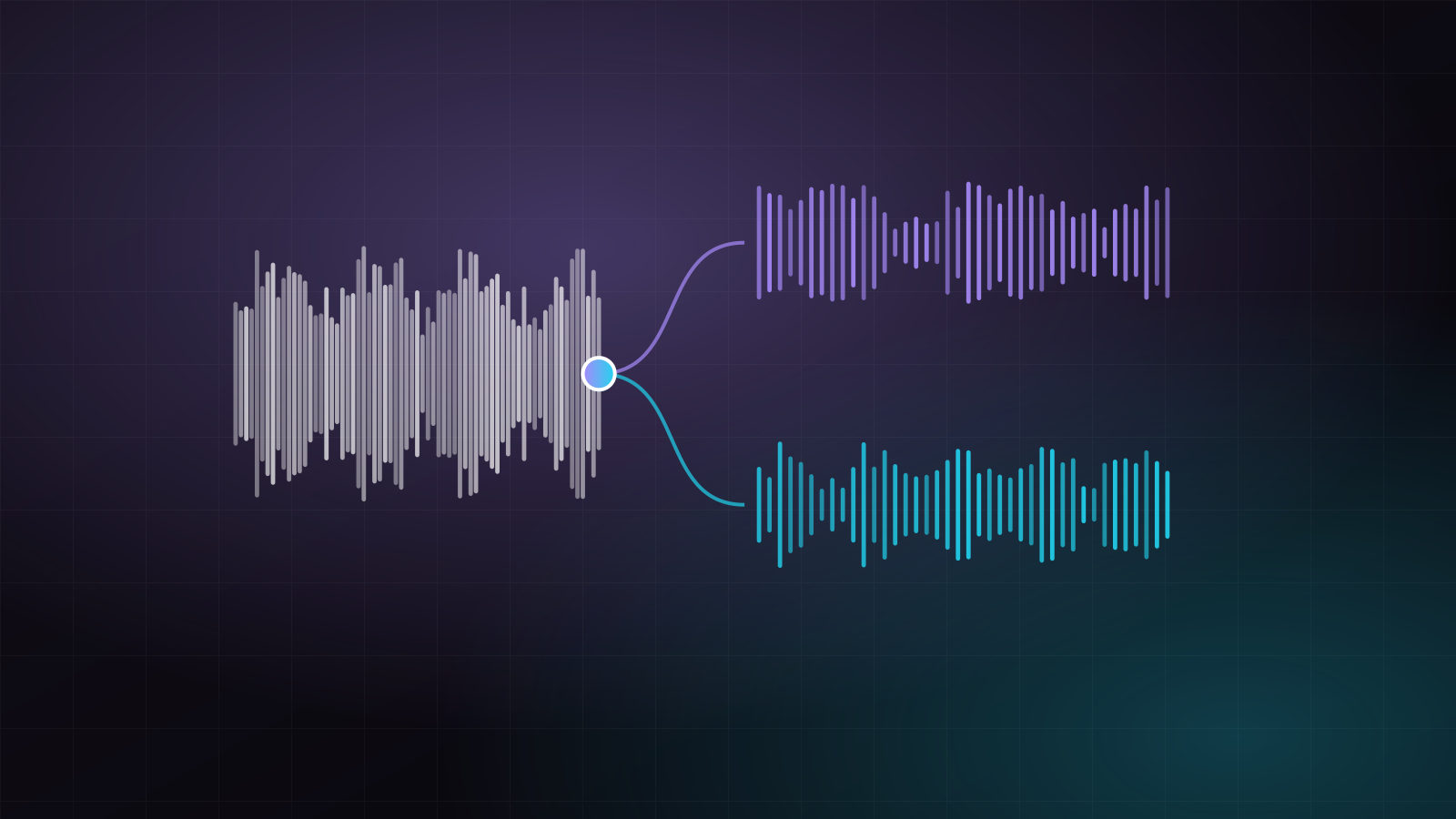
8D audio is the effect where a song seems to move around your head. There are not eight dimensions — the name is marketing. It is a mix of moving the sound around you and making it feel as if it is in a space.
How it works
- Moving panning: the song circles slowly from left to right and back, often in a full loop around the listener.
- Binaural processing: filters that copy how your head and ears change a sound coming from each direction, so it seems to come from behind or in front, not just left and right.
- Reverb: a sense of room, which makes the movement feel like space rather than a balance knob.
Why you need headphones
Binaural effects rely on each ear hearing its own signal. On speakers, both ears hear both speakers and the illusion collapses into ordinary panning. 8D versions are made for headphones and earbuds.
How to make an 8D version
- Start from the best-quality file you have, ideally a WAV.
- Open the 8D audio converter, which runs in your browser.
- Set the rotation speed. Slow rotations of several seconds per loop feel immersive; fast ones feel dizzy.
- Add room to taste, then preview on headphones and export.
In a DAW you can do it with a binaural panner and automation — see the panning guide and automation in mixing.
Make it sound good
- Keep the bass centred. Low frequencies circling the head feel uncomfortable and lose weight.
- Do not overdo the reverb. Too much and the song turns to mush.
- Watch the loudness. Panning and reverb change peaks; check with the loudness checker.
- Check in mono once — see mixing in mono — so nothing disappears on a single speaker.
Releasing 8D versions
If it is your own song, an 8D version is a fun extra for fans and short-form clips. If it is someone else's song, converting it does not give you the right to upload or release it.
Make an 8D version →Turn a song into 8D audio in your browser.Frequently asked questions
What does 8D audio mean?
A song that seems to move around your head, made with moving panning, binaural processing and reverb. There are no eight dimensions.
Does 8D audio work on speakers?
Not really. The binaural effect needs headphones, because each ear must hear its own signal.
Can I upload 8D versions of other people's songs?
Not without permission. Converting a song does not give you the rights to it.
Want to try it on your own track? See all the free music tools — no account needed.