How to Clean Up Vocal Recordings with AI
Fix a noisy home vocal: what AI vocal cleanup removes (hiss, hum, room sound), what it cannot fix, how to get the best result and where it fits in your vocal chain.

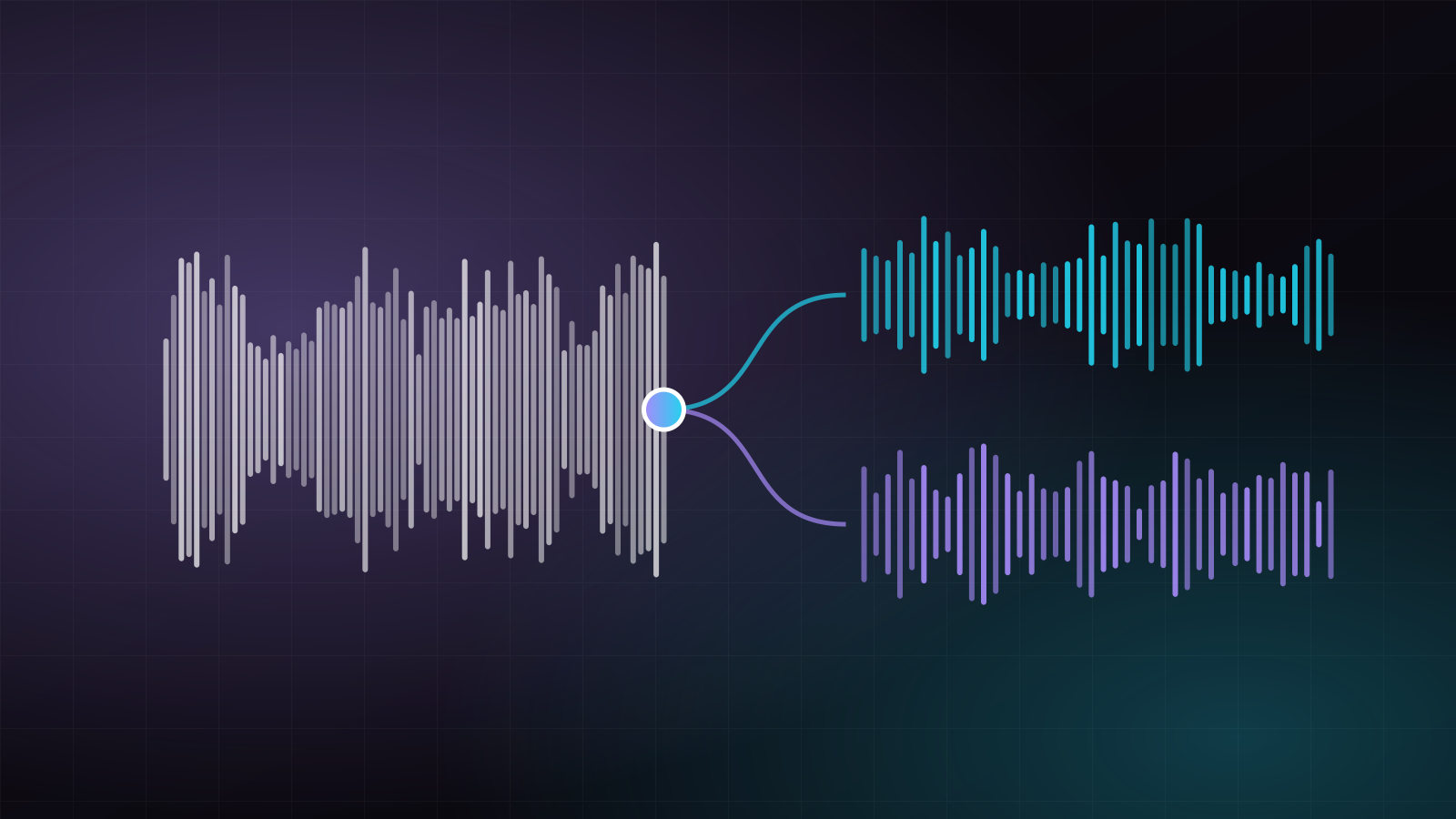
Most home vocal recordings have something in them you did not want: computer fan hiss, mains hum, a bit of traffic, or the boxy sound of a small room. AI vocal cleanup separates the voice from that noise far more cleanly than a classic noise gate or EQ.
What it removes
- Steady noise: hiss, fans, air conditioning, preamp noise.
- Hum: the low drone from electrical interference.
- Room sound: the reflections that make a vocal sound distant or boxy.
- Background sounds that sit behind the voice.
What it cannot fix
- Clipping: if the recording distorted, the waveform is damaged. Record again at a lower level.
- A bad performance — pitch and timing are separate jobs.
- Very loud noise right on top of the voice will leave artefacts.
How to use it
- Export the dry vocal on its own, with no reverb or effects.
- Upload it to AI Vocal Cleanup.
- Choose a clean result that keeps your voice as recorded, or a restored one that also rebuilds clarity and air.
- Compare both against the original, then download the one that sounds most natural.
Where it goes in the chain
Clean first, then process. Noise removal belongs before EQ, compression and reverb, because compression raises the noise floor along with the quiet parts. Then follow the usual vocal chain order and mix the vocal.
Prevent it next time
- Record further from the computer and turn off fans.
- Put soft material behind and beside you — see acoustic treatment at home.
- Record at a healthy level without clipping: peaks around −12 to −6 dBFS.
For noise in full mixes rather than vocals, see removing background noise from audio.
Clean up a vocal →Remove hiss, hum and room sound from a vocal with AI.Frequently asked questions
Can AI remove background noise from vocals?
Yes. It removes steady noise, hum, room sound and background sounds far more cleanly than a gate or EQ.
Can AI fix a clipped vocal?
Not reliably. Clipping damages the waveform; recording again at a lower level is the real fix.
Should I clean the vocal before or after compression?
Before. Compression raises the noise along with the quiet parts.
Want to try it on your own track? See all the free music tools — no account needed.