How to Make an Acapella From Any Song
Pull a clean acapella from a finished song, clean up the leftovers, find its key and tempo, and fit it over a new beat — step by step for remixers.

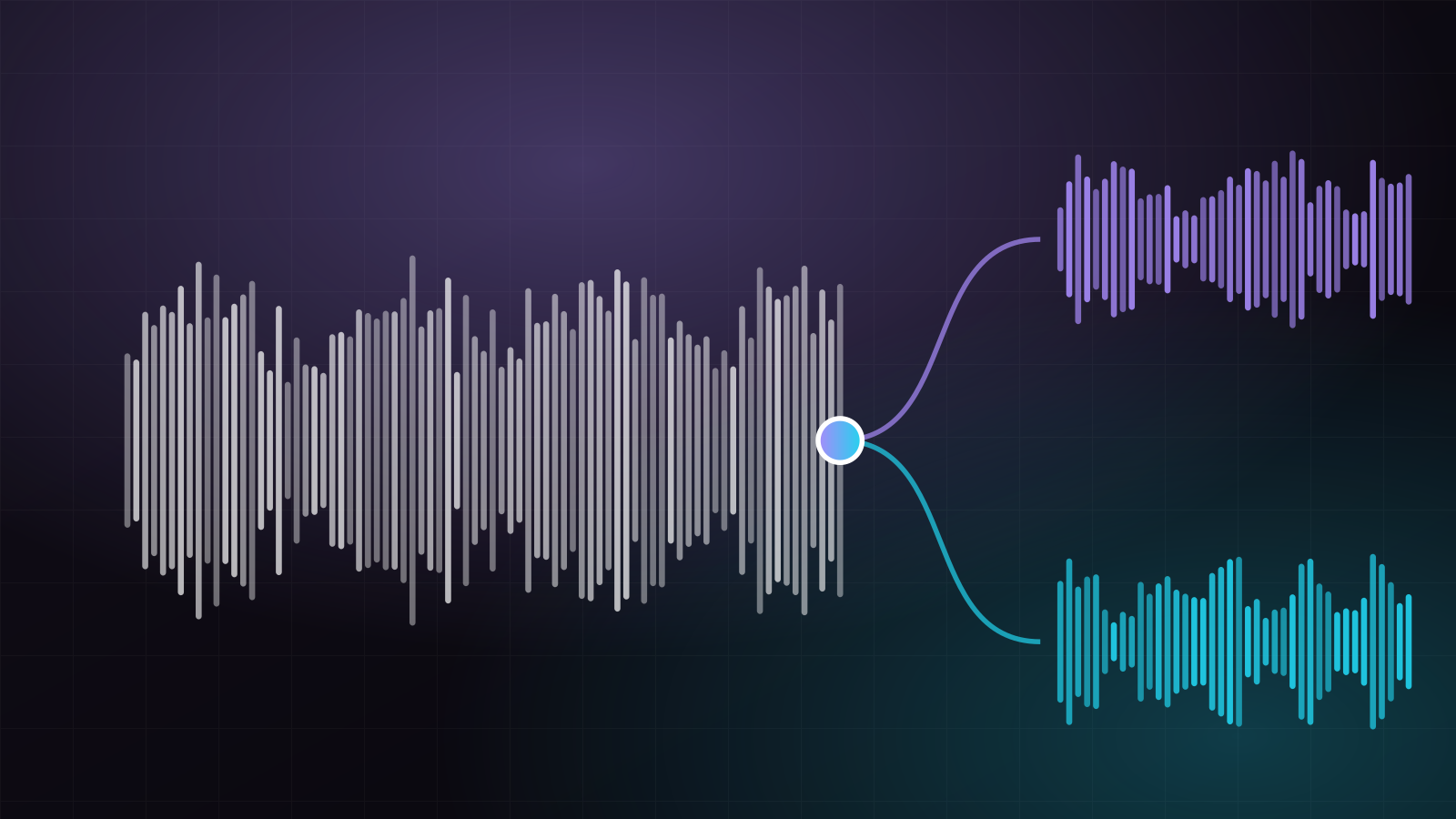
An acapella — the vocal on its own — is the raw material of every remix, mashup and bootleg. Official acapellas are rare, but you can now extract a usable one from almost any song. Here is the full process, from extraction to sitting it on your own beat.
Step 1: extract the vocal
Upload the song to the acapella extractor. It separates the voice from the music and gives you the vocal as its own file. Use the best-quality version of the song you can find: a lossless file gives a cleaner, less watery acapella than a compressed stream rip.
Step 2: clean it up
Solo the acapella and listen from start to finish. You will usually find three things:
- Bleed in the gaps. Faint drums or synths between phrases. Cut them out or use a gate so the gaps are silent.
- Baked-in reverb. The original reverb comes with the voice. You cannot fully remove it, so pick a beat whose space suits it, and go lighter on your own reverb.
- A slightly dull top. A gentle high shelf brings back presence. Do not overdo it or the artefacts get louder too.
Step 3: find the key and tempo
Run the original song through a BPM and key detector. You need both numbers to build anything around the vocal. If the song drifts in tempo (live drums often do), you will need to warp the acapella to a fixed grid — in Ableton see our warping guide.
Step 4: decide on your new tempo
Remixes rarely stay at the original tempo. Common moves: a 90 BPM rap vocal sped to 140 for drill, or a 124 BPM house vocal slowed to 100 for a moody R&B flip. Speed changes of more than about 10% start to sound unnatural unless you also shift the pitch. A key and tempo shifter lets you change one without the other, so you can keep the singer's natural voice at the new speed.
Step 5: build the beat around the vocal
- Set your project to the new tempo and place the acapella on bar one.
- Write chords in the song's key, or a related key — the relative major or minor changes the mood without clashing.
- Leave room in the 1–4 kHz range where the voice lives. Keep busy melodies out of the way of the lyrics.
- Sidechain or EQ-duck the music slightly under the vocal so it always reads.
Step 6: mix it like a new vocal
Treat the acapella like a fresh recording: EQ, compression, a little saturation and your own effects. Our vocal mixing guide applies directly. Keep processing gentle at first — extracted vocals reveal artefacts when pushed hard.
Before you release it
Practising and sharing a remix privately is one thing; releasing it is another. Commercial releases need permission from the rights holders of the original vocal. Many producers release remixes as free downloads or enter official remix contests, where stems are provided legally.
Extract an acapella from any song →Get the vocal on its own, ready to remix, in about a minute.Frequently asked questions
How do I get a clean acapella?
Start with a high-quality file, extract the vocal with AI, then cut or gate the gaps and add a touch of high shelf to restore presence.
Can I remove the reverb from an acapella?
Only partly. Extracted vocals keep most of their original reverb, so choose a beat that suits it and use less reverb of your own.
Can I change the tempo of an acapella?
Yes. Use a tool that changes tempo without changing pitch, so the voice still sounds natural at the new speed.
Want to try it on your own track? See all the free music tools — no account needed.