7 Tips for Better AI Vocal Separation
Get cleaner acapellas and instrumentals from AI vocal removal: start from the best file, understand reverb and doubles, and clean up what is left.

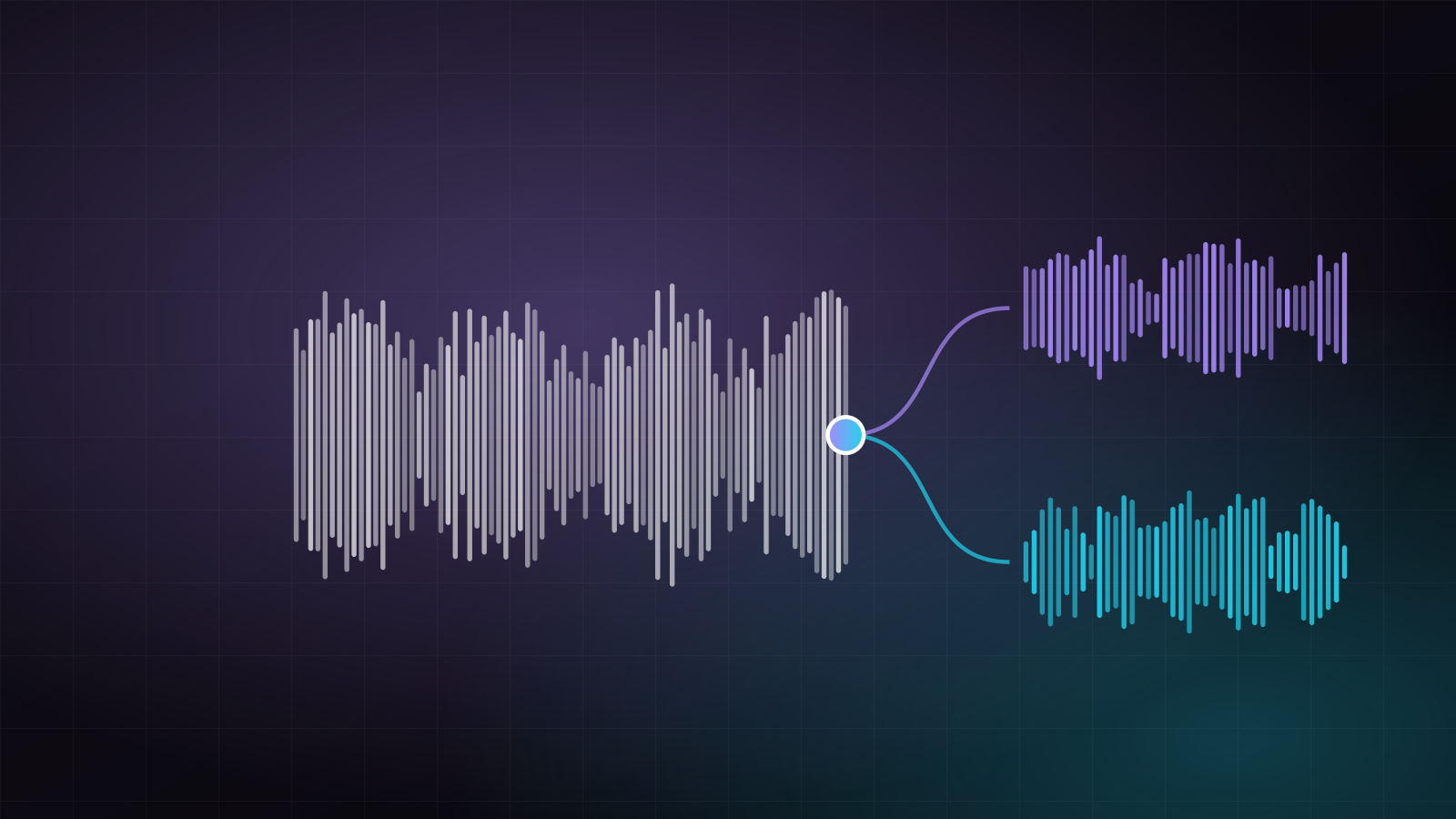
AI vocal separation has become remarkably good, but the result still depends on what you give it and what you do afterwards. These tips get noticeably cleaner acapellas and instrumentals.
1. Start from the best-quality file
A WAV or high-bitrate file separates far more cleanly than a low-bitrate MP3 or a file ripped from a video. Compression artefacts end up in both outputs. See audio file formats explained.
2. Expect reverb tails to move
Heavy reverb and delay tails on a vocal are often read as music, so they can end up in the instrumental and leave the acapella drier than the original. Very wet vocals, and dense, heavily limited masters, separate less cleanly than dry, open mixes.
3. Doubles and harmonies count as vocals
Backing vocals, ad-libs and harmonies usually come out with the lead. If you need only the lead, you will need to edit the acapella afterwards.
4. Two stems are usually what you need
Acapellas, karaoke tracks and instrumentals all need just two stems: vocal and music. Splitting straight to two is cleaner than splitting into drums, bass and other parts and adding them back together. The stem splitter gives you both on a two-fader mixer, so you can also turn the vocal down rather than out.
5. Clean up what is left
- A light high-pass on the acapella removes low rumble from the beat.
- Gate or cut the gaps between phrases to remove leftover instruments.
- For hiss or room sound, run the acapella through AI vocal cleanup.
6. Match the key and tempo before you use it
Find the acapella's BPM and key with the BPM and key finder, then shift it to fit your beat with the key and tempo shifter.
7. Listen in context
Small artefacts you hear solo usually disappear under a new beat. Judge the acapella in the mix, not on its own.
Rights still apply
Separating a song does not change who owns it. For releases, use acapellas you have permission for — see sample clearance. More background in AI stem separation explained.
Separate vocals from a song →Clean acapella and instrumental from any track. 2 free tracks a day.Frequently asked questions
Why does my acapella still have some instruments in it?
Low-quality source files, heavy reverb and dense mixes leave more behind. Start from a WAV and clean up the gaps afterwards.
Where does the vocal reverb go?
Heavy reverb and delay tails are often read as music, so they can end up in the instrumental and leave the acapella drier.
Can I separate only the lead vocal?
Backing vocals and harmonies usually come out with the lead, so you may need to edit the acapella afterwards.
Want to try it on your own track? See all the free music tools — no account needed.