How to Humanize Drums in FL Studio (So They Stop Sounding Robotic)
Make programmed drums in FL Studio feel played, not pasted: velocity variation, swing, off-grid timing, ghost notes and sample variation, step by step.

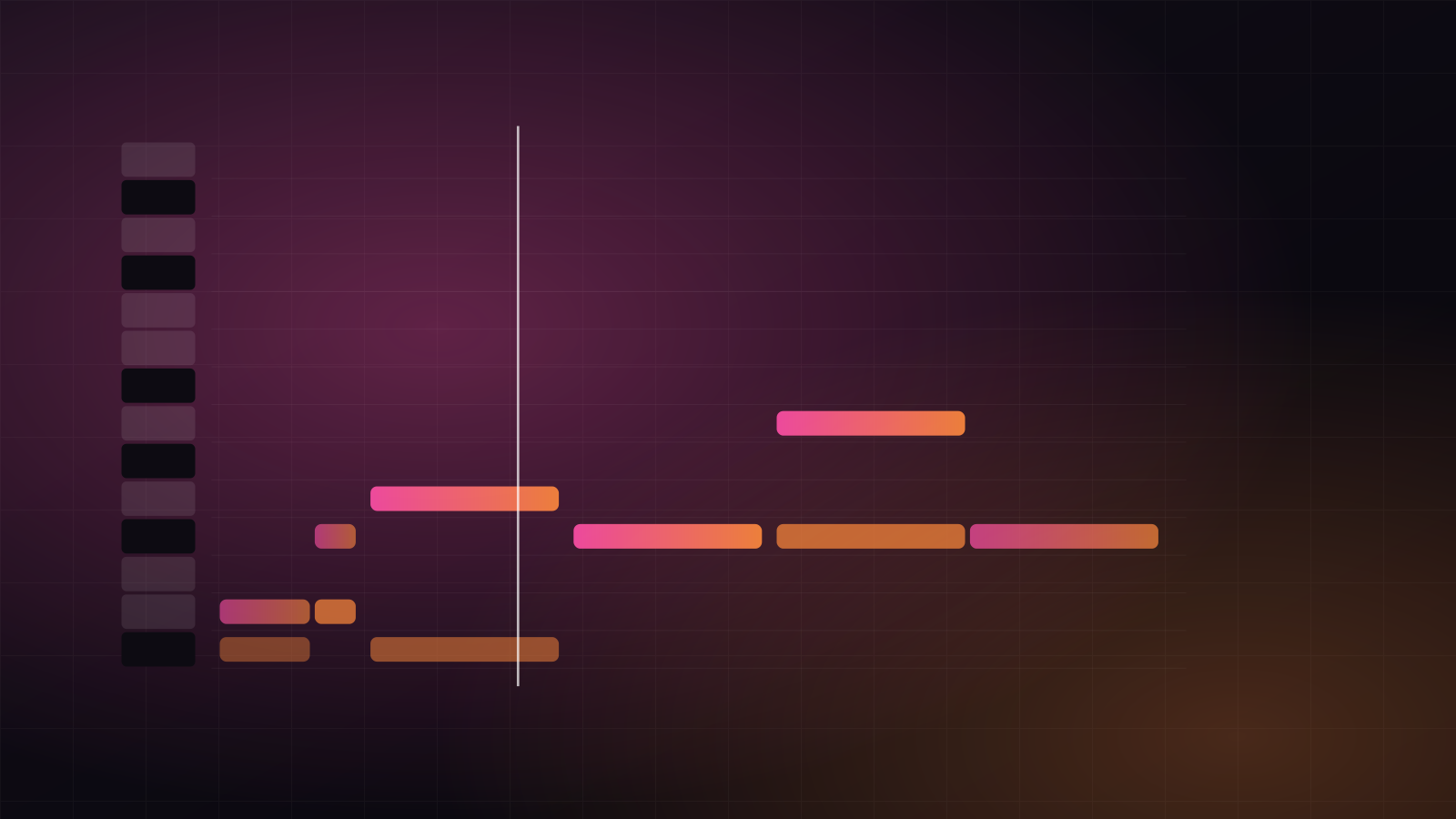
Drums programmed straight onto the grid at full velocity sound like a machine — because they are. Real drummers never hit twice at exactly the same strength or exactly the same moment. A few small changes in FL Studio give your patterns that human push and pull without making them sloppy.
1. Vary the velocity
Velocity is how hard each note is hit, and it is the single biggest factor in a human feel. Open the pattern in the Piano Roll and look at the velocity lane at the bottom.
- Accent the downbeats. Keep hits on the beat strong and lower the ones in between.
- Hi-hats breathe. Alternate louder and softer hats — something like loud, soft, medium, soft — instead of a flat line.
- Use Randomize carefully. In the Piano Roll's Tools menu, Randomize can vary velocity across selected notes. Keep the range small so it sounds natural rather than random.
Make sure your samples respond to velocity: in the Channel settings, velocity should control volume (and ideally a little filter) so softer notes also sound softer.
2. Add swing
Swing delays every second sixteenth note slightly, giving a bouncy, groovy feel. The Channel Rack has a swing knob at the top that applies to the whole pattern. Start low — 10 to 25% — and listen to how the hats start to roll. Boom bap and R&B love swing; drill and trap usually stay straighter. Our swing and groove guide explains the theory.
3. Move notes off the grid
Hold Alt while dragging a note in the Piano Roll to move it without snapping. Small shifts make a big difference:
- Snare slightly late gives a laid-back, heavy feel.
- Hats slightly early push the groove forward.
- Kick on the grid keeps everything anchored.
Move only a few milliseconds. If you can clearly hear a flam, you have gone too far.
4. Add ghost notes
Ghost notes are very quiet hits between the main ones — a soft snare before the backbeat, a light kick before the downbeat. They fill the gaps the way a drummer's hands naturally do. Set their velocity very low so they are felt more than heard. The drum pattern cheat sheet shows where ghost notes usually land.
5. Vary the samples
Repeating the exact same sample on every hit causes the “machine-gun” effect, especially on fast hi-hat rolls. Fixes:
- Load two or three similar hat samples and alternate between them.
- Use a slight random pitch variation on hats and percussion.
- Layer a quiet shaker or room sound to blur repeated hits.
6. Change the pattern over time
Humans do not repeat perfectly for three minutes. Make a few variations of your main pattern — a fill every eight bars, a missing kick, an extra open hat — and swap them in the Playlist. How to arrange a beat covers where variation matters most.
Know when not to humanize
Some genres want a rigid, mechanical feel: much of trap, drill and electronic music is deliberately on the grid. Even there, velocity variation on hats keeps them alive. Humanizing is a seasoning — use it where the genre wants groove.
For more Piano Roll techniques, see FL Studio Piano Roll tips.
Get a fresh drum idea →Generate a beat direction when your patterns all start to sound the same.Frequently asked questions
How do I make drums sound less robotic in FL Studio?
Vary the velocity, add a little swing, move some notes slightly off the grid and add quiet ghost notes between the main hits.
Where is the swing control in FL Studio?
The Channel Rack has a swing knob at the top that applies swing to the whole pattern.
How do I move a note off the grid in FL Studio?
Hold Alt while dragging the note in the Piano Roll to move it without snapping.
Want to try it on your own track? See all the free music tools — no account needed.