Ableton Session View: How to Jam, Sketch and Build Songs
Use Ableton Live's Session View properly: clips and scenes, launch quantization, launch modes, follow actions, capturing ideas and recording into the Arrangement.

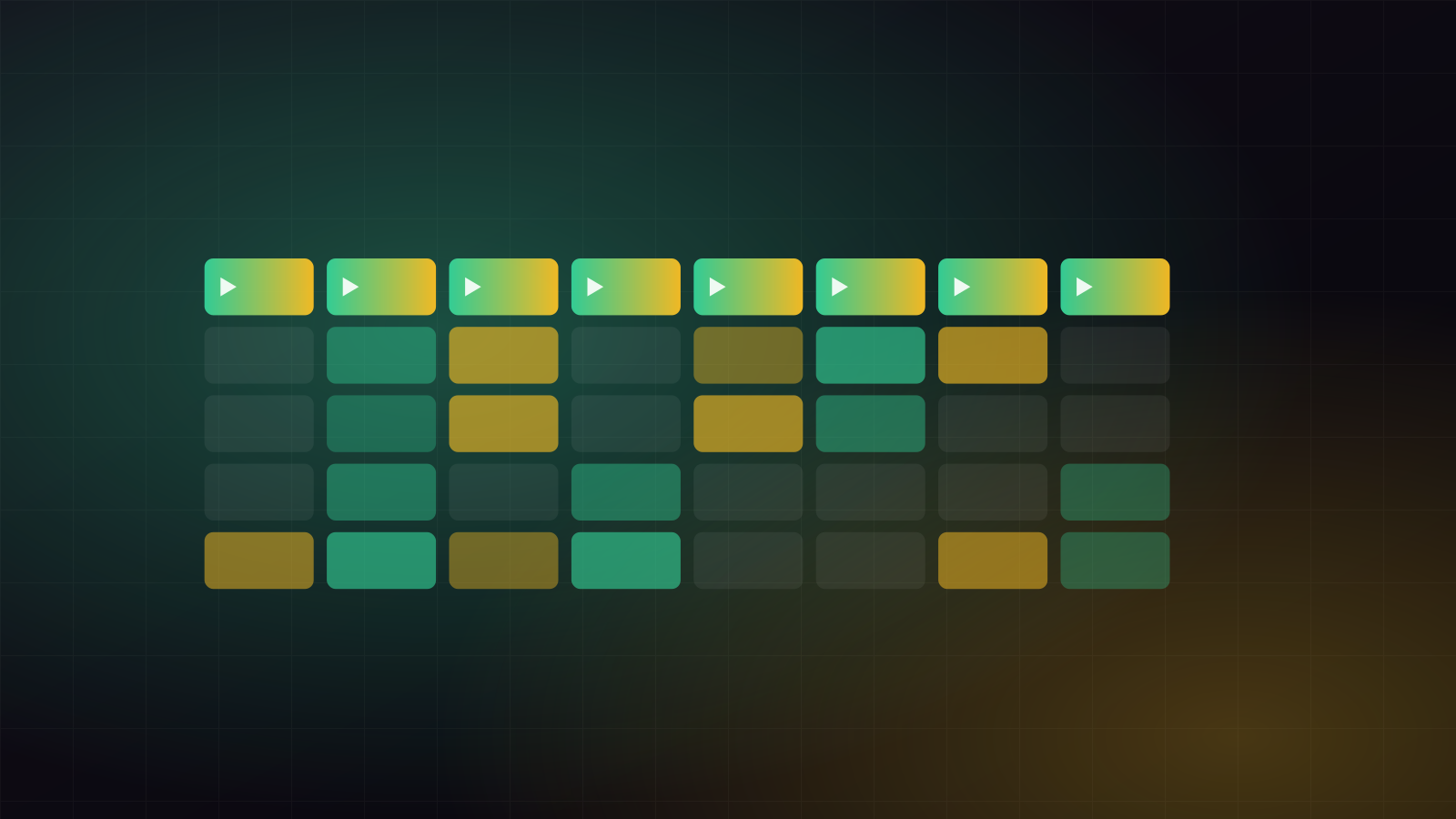
Session View is what makes Ableton Live different. Instead of a timeline, you get a grid of clips you can launch in any combination. It is a sketchpad, a jam space and a live-performance tool in one. Here is how to get the most out of it.
Clips, tracks and scenes
- Clips are loops or one-shots of audio or MIDI, sitting in clip slots.
- Tracks are the columns. Only one clip per track plays at a time.
- Scenes are the rows. Launching a scene plays every clip in that row together — a verse, a hook, a breakdown.
Launch quantization
The global quantization menu in the control bar decides when launched clips start — on the next bar by default. That keeps everything in time, however sloppily you click. Set it to a beat for faster changes, or to two or four bars for big transitions.
Launch modes
Each clip has a launch mode in its clip properties:
- Trigger: starts on click and keeps playing. The default.
- Gate: plays only while the button or key is held.
- Toggle: click once to start, again to stop.
- Repeat: retriggers while held — great for stutters.
Follow actions
Follow actions tell a clip what to do after it has played for a set time: play the next clip, a random one, or stop. Use them to create evolving patterns that never repeat exactly, or to chain variations of a drum loop automatically.
Sketching ideas fast
- Make a drum loop in one track, a bass in another, chords in a third — see the Drum Rack guide.
- Duplicate clips downward and make variations: a version without the kick, a fuller hook version.
- Organise them into scenes: intro, verse, hook.
- Launch scenes in different orders to find the best structure.
When you play something you like on a MIDI keyboard without recording, Capture MIDI recovers what you just played.
Recording into the Arrangement
Turn on Arrangement Record, then launch scenes and clips as if performing. Live records everything you do into the Arrangement timeline. Press Tab to switch over and refine the result — moving sections, adding transitions and automation. The beginner guide covers the Arrangement side.
Performing live
Session View is built for the stage. Map scenes and clips to a controller, set sensible quantization, and use return tracks for reverb and delay throws. Keep the CPU light — see Ableton CPU tips.
Avoid the loop trap
Session View makes jamming so enjoyable that songs can stay as loops forever. Set a rule: once you have three scenes you like, record them to the Arrangement and start finishing. How to finish more beats has more habits that help.
Get an idea to jam on →Generate a beat direction for your next Session View sketch.Frequently asked questions
What is Session View in Ableton?
A grid of clips and scenes you can launch in any order, used for sketching ideas, jamming and live performance.
How do I record Session View into the Arrangement?
Turn on Arrangement Record, launch your clips and scenes, and Live records the performance onto the timeline.
What are follow actions?
Rules that tell a clip what to do after playing for a set time, such as play the next clip or a random one.
Want to try it on your own track? See all the free music tools — no account needed.